Essential tools for exporting your MA3 data: PatchExporter, SequenceExporter, and TimecodeExporter. Export as professional PDFs or CSVs. Available individually or as a full bundle.
To read more about any of the plugins in this bundle, click on the links below.
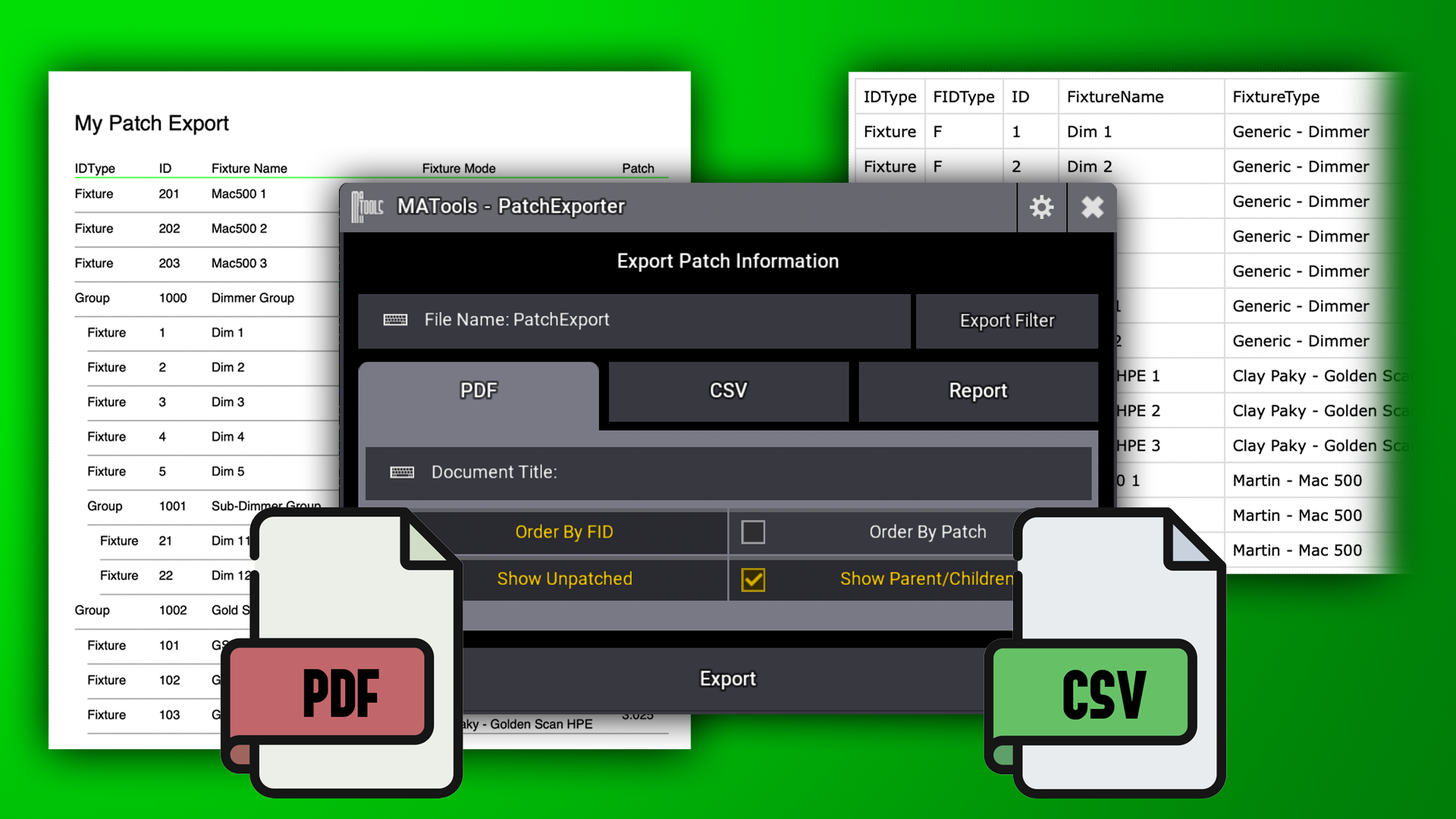
Patch Exporter does exactly that. Use this plugin to export your MA3 patch data as a PDF ready to send to the crew chief, or as a CSV to import into other software. Export from OnPC or Console.
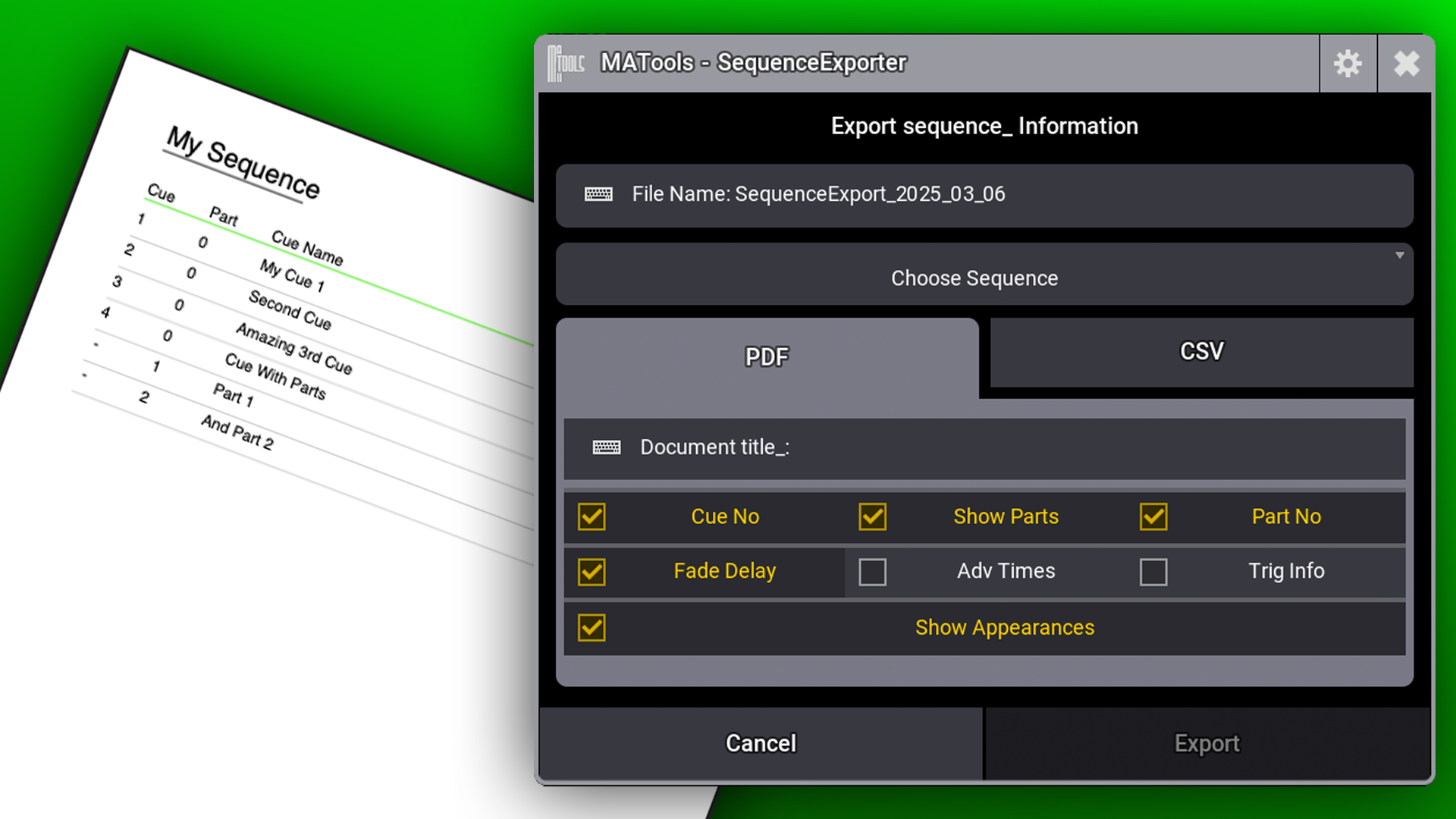
Sequence Exporter lets you export any MA3 Sequence sheet as a PDF or CSV - perfect for documentation, sharing with your team, or making show notes.
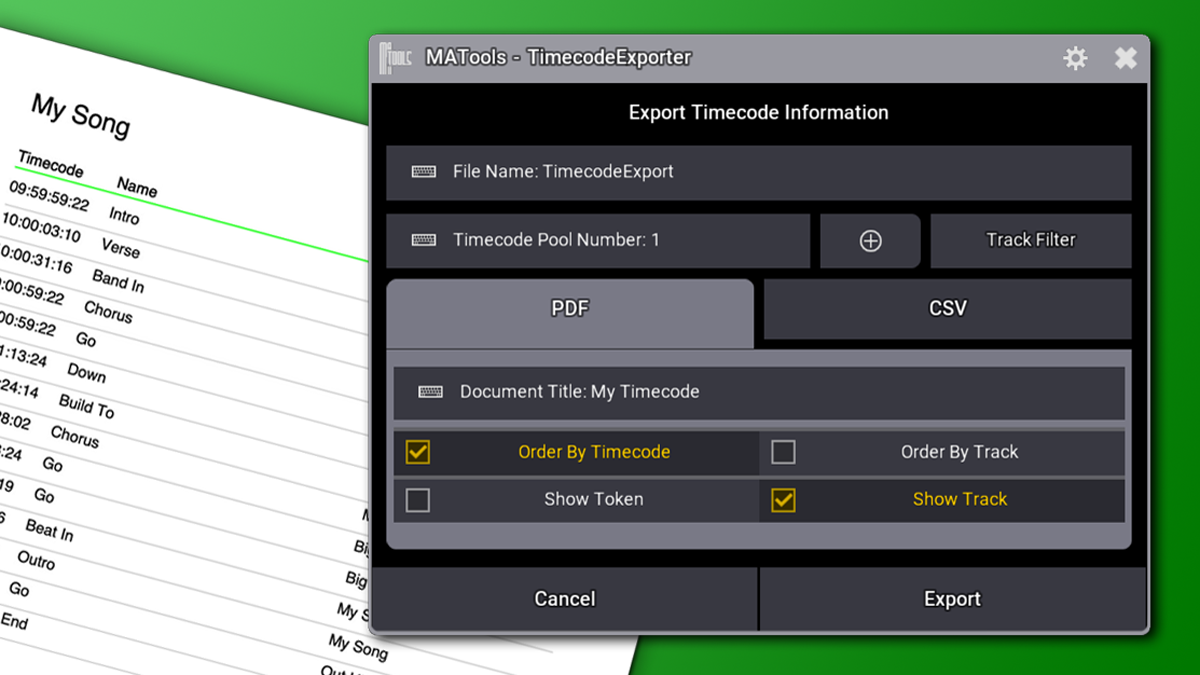
Timecode Exporter exports timecode pool events as PDF or CSV. You can also export as a CSV formatted for Reaper marker imports.
To read more about any of the plugins in this bundle, click on the links below.
Need more tools to streamline your workflow? Browse our collection of plugins to find the perfect addition to your setup.
Use our GUI to build bouncing phasers easily in the grandMA3 software. Bounce between two presets on any attribute or create VU Meter style phasers.
AdvancedUpdate adds extra abilties to MA3's preset update options. With this plugin, you can update embedded and integrated preset references.
PatchImporter lets you import patch data from CSV or MVR files into your MA3 show. Create new fixtures or update existing ones using data from tools like WYSIWYG or gaffer spreadsheets. Perfect for syncing updates of 3D positions.