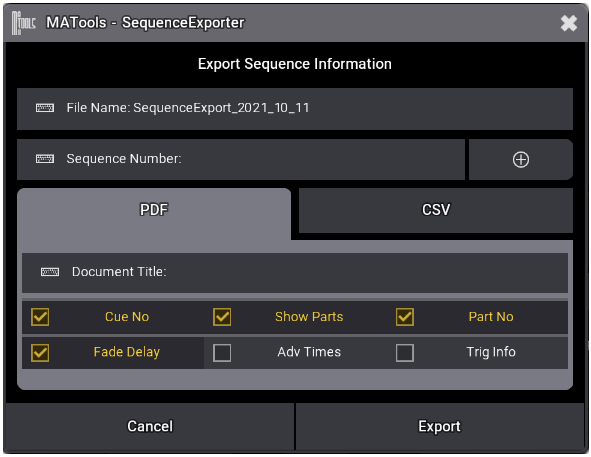
Sequence Exporter lets you export any MA3 Sequence sheet as a PDF or CSV - perfect for documentation, sharing with your team, or making show notes.
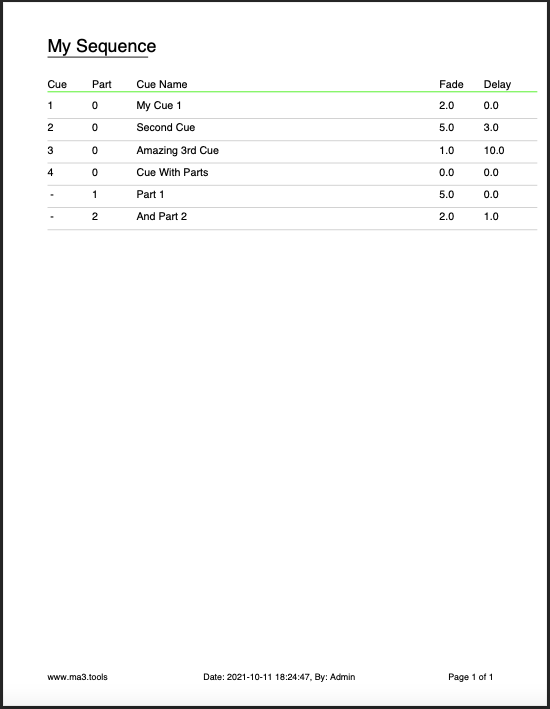
Directly on the console you can export a PDF of the your sequence. Here's an example PDF export from a showfile. The cue name, number and timings are all exported.
Buy SequenceExporter as part of a bundle and save money.
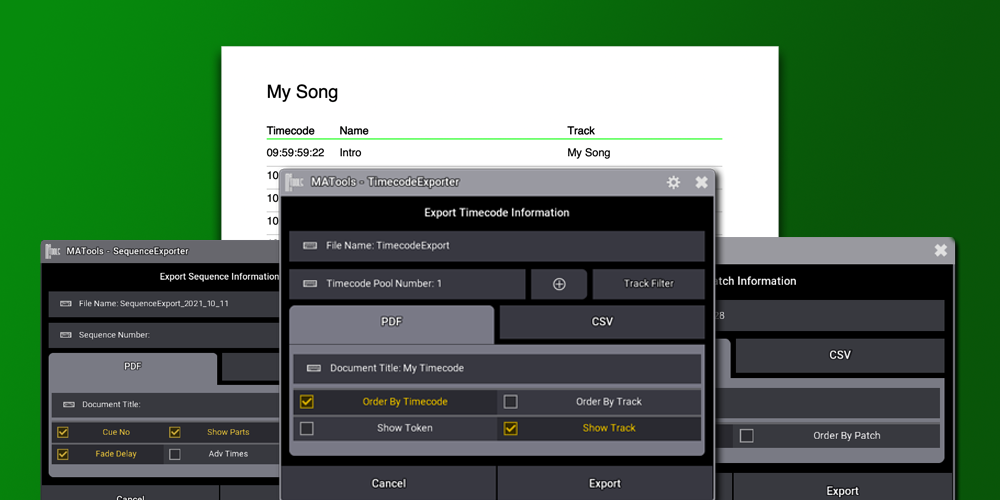
Essential tools for exporting your MA3 data: PatchExporter, SequenceExporter, and TimecodeExporter. Export as professional PDFs or CSVs. Available individually or as a full bundle.
Once registered, SequenceExporter works on Console, OnPC, and OnMac MA3 software.
This plugin requires a USB stick license key. Each purchase allows registration on up to 2 USB sticks.
Current version: V1.3.2.0. This version requires MA3 software V1.9.7.0 or higher.
Need more tools to streamline your workflow? Browse our collection of plugins to find the perfect addition to your setup.
FXMAker is a user-friendly GUI plugin for the MA3 Lighting Console that lets you create two-step phasers quickly and easily. Choose between building effects using encoder wheels or transitioning from preset to preset all within an intuitive interface.
A GUI interface to create Flyout style phasers using the MA3 Lighting Console. Create simple or more complex, multi-step, Flyout phasers between presets.
Patch Exporter does exactly that. Use this plugin to export your MA3 patch data as a PDF ready to send to the crew chief, or as a CSV to import into other software. Export from OnPC or Console.