Overview
Custom shortcuts in your Swipeys
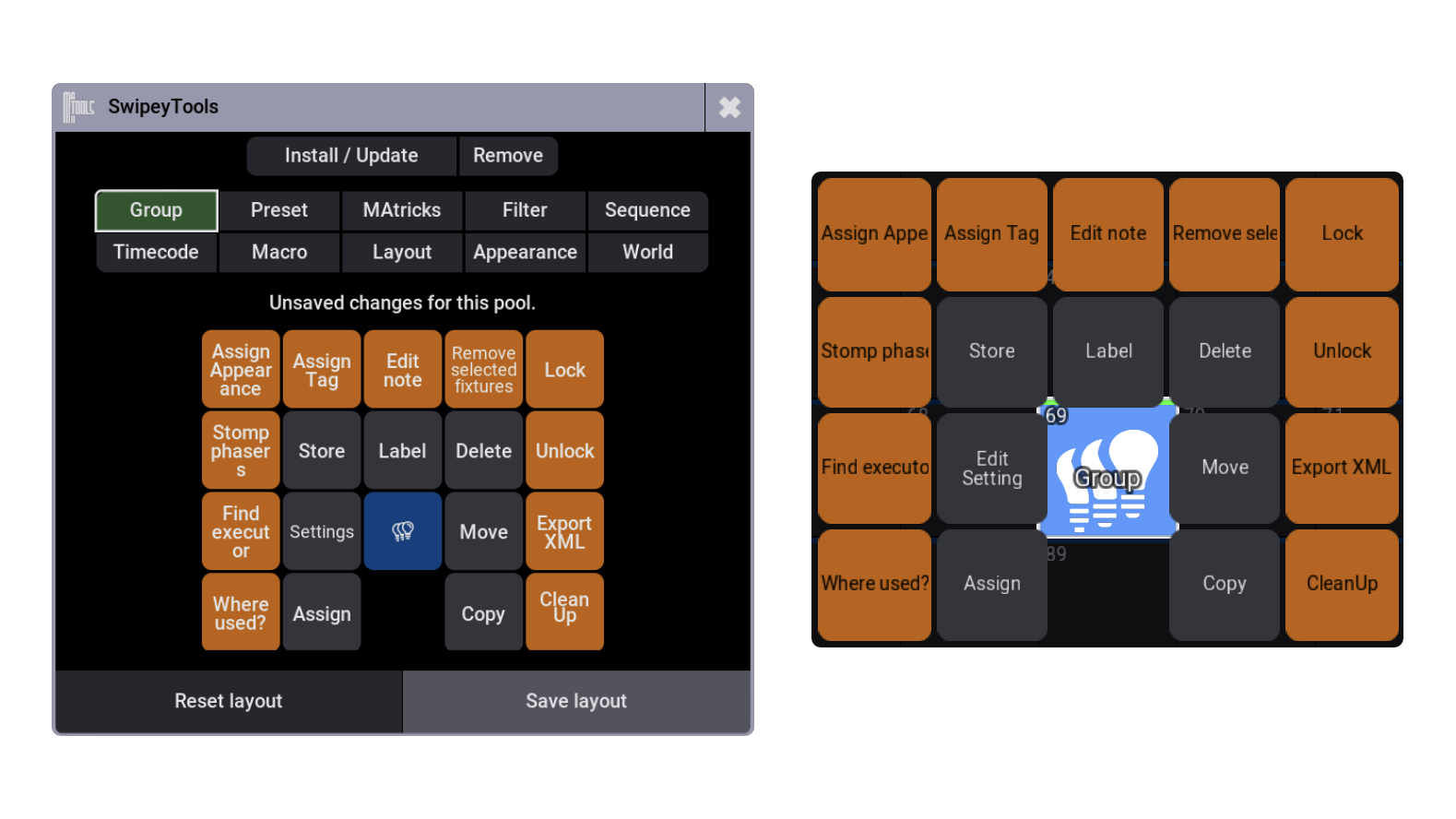
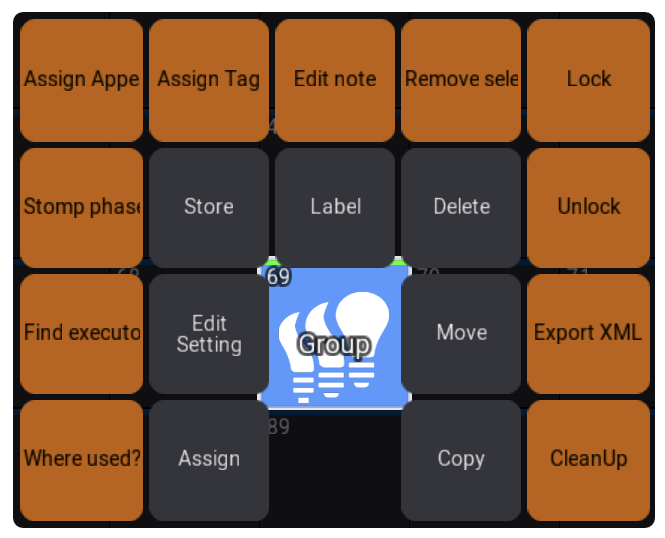
SwipeyTools adds your own shortcuts to the swipey menus in the grandMA3 pools. You can look up where a Preset is used, find a Sequence's executor, or open RecipeTools for a Group straight from its pool tile. SwipeyTools retains the original MA3 shortcuts so you can still use what you know.
Works on grandMA3 Version 2.4.2.2 onwards.
Key Features
Built-in grandMA3 commands
The built-in command list covers the everyday jobs without needing any other plugins installed. Each tile shows the settings for that command using native dropdowns, checkboxes and fields in the tile editor.
Find
List references, Find executors, Show ownership
Edit
Edit recipes & cue recipes, Update preset, Cook, Recast, Extract, Integrate, Stomp phasers
Manage
Lock / Unlock, Edit note, Assign Appearance, Assign Tag, Exchange positions, Export XML, CleanUp, Clone fixture data
Set up each pool your way
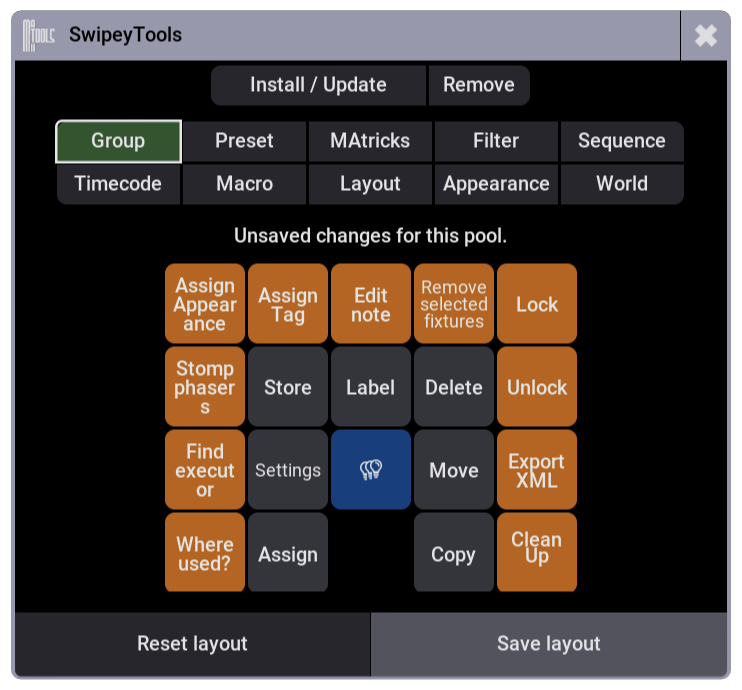
Pick a pool, then tap a tile in the 5×4 preview to assign a command. Tiles can be moved or swapped until the layout feels right, and coloured so they're easy to spot. Save a different layout for each pool type and the new menu appears on your next swipe.
Go straight to RecipeTools
With RecipeTools installed, configure a Group tile's swipe action as Search, Clone or Replace. You must also configure the tile you'll tap next: a Sequence tile to narrow a search, or a destination Group tile for cloning or replacing. Swipe the source Group and release over the configured action, then tap the configured Sequence or destination Group tile. For cloning or replacing, review the change in RecipeTools.
Export from the pool
Add a Trader export tile to any editable pool. Each pool offers compatible shortcuts, with plugin commands available when the matching plugin is in the active Data Pool.
Layouts per user and per pool
Layouts and tile colours are stored in the showfile for each MA user and each pool type, and apply across every Data Pool in the show. Different users can keep different menus, and Reset layout puts the original menu back whenever you want it.
Good to know
- Nothing is replaced — MA's original actions stay in the menu, SwipeyTools just adds your tiles around them, and the original menus are restored when you remove the plugin.
- 10 editable pool types — Group, Preset, MAtricks, Filter, Sequence, Timecode, Macro, Layout, Appearance and World.
- Install once per station — the installer updates the pool menu files, then saves the show and restarts grandMA3 for you.